


Prayer Journal
- Auto-dated entries to track your prayers
- Revisit what you prayed and how you felt
- See when they’re answered
REAL LIFE. REAL ANSWERS. GOD’S WORD.
BibleSense: clarifying Scripture for real life.
This is not not your ordinary Bible app! Experience a new way to engage, read, and truly understand the Bible.
No credit card • Takes seconds
Features
Simple tools designed to help you read, understand, and apply God’s Word.
More tools, more ways to grow, and more support when you need it, designed to keep you consistent and confident in your walk.
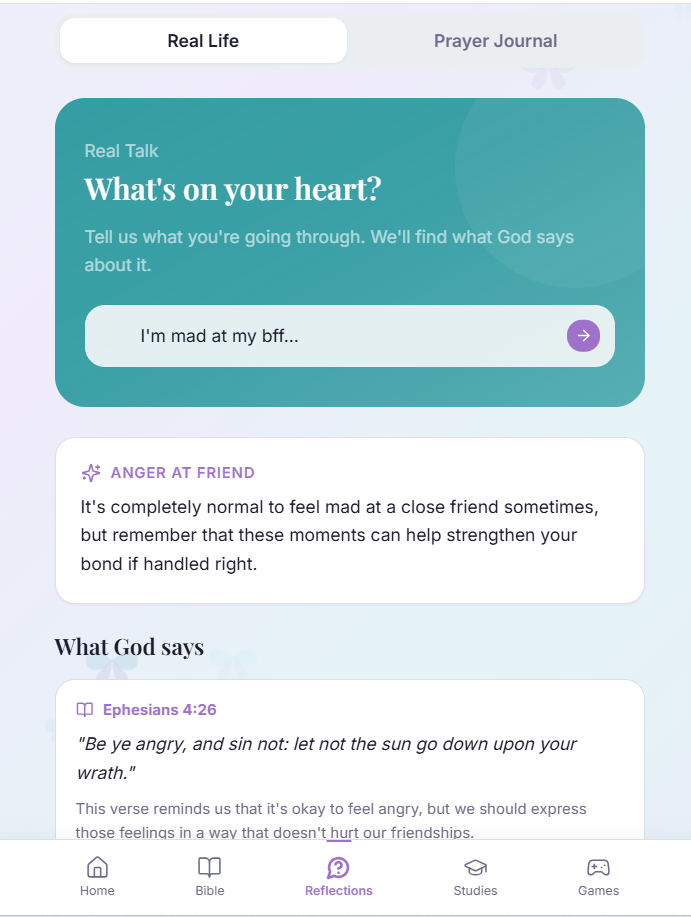
Everything people go through today (stress, pressure, relationships, fear): it’s all in there. BibleSense helps you connect what you’re dealing with to what God already said about it.
Themes
Choose a style that matches your mood.


Tap a topic and unlock scripture to help you through whatever you may be facing
Encouragement tied to scripture
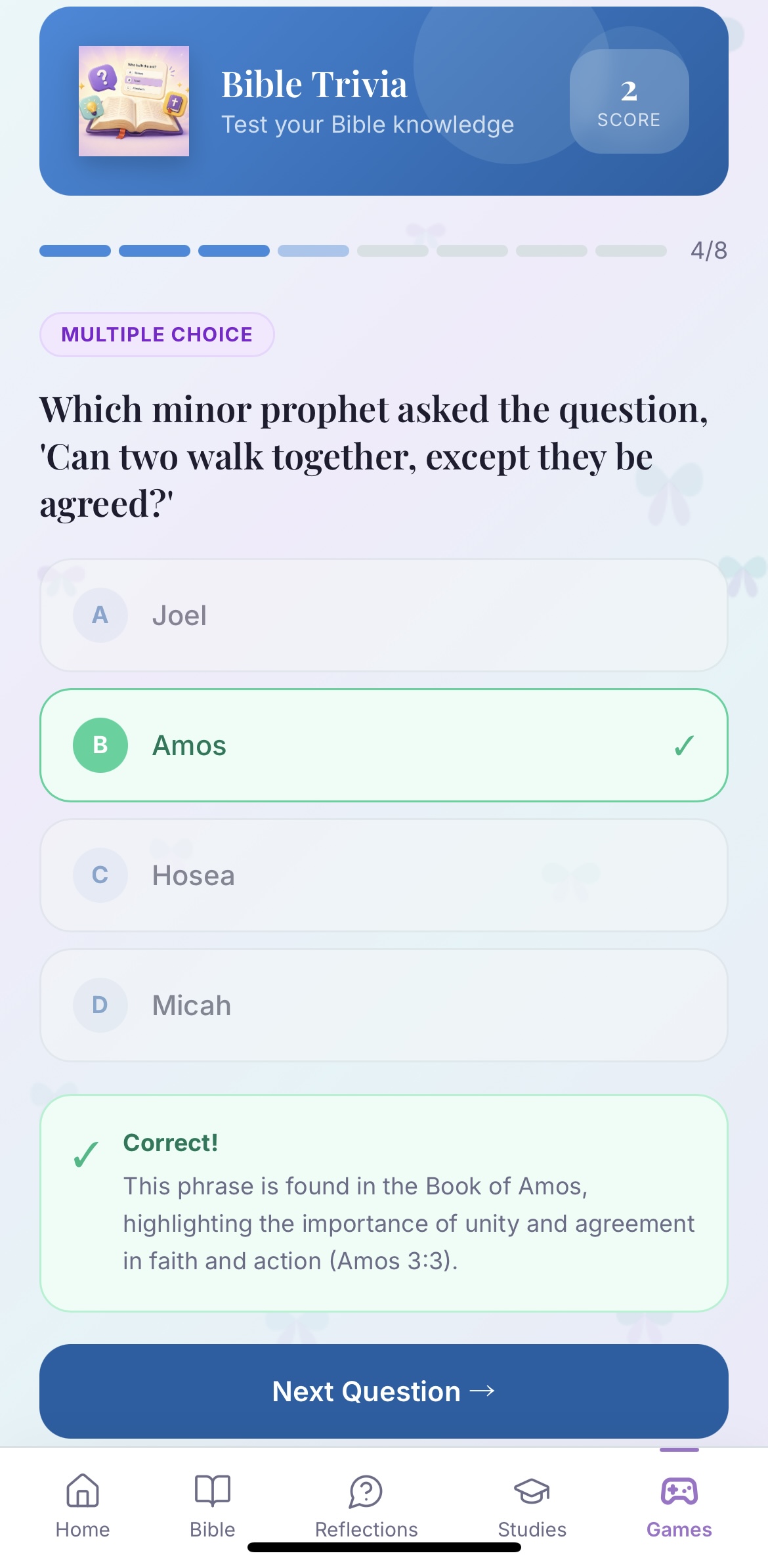
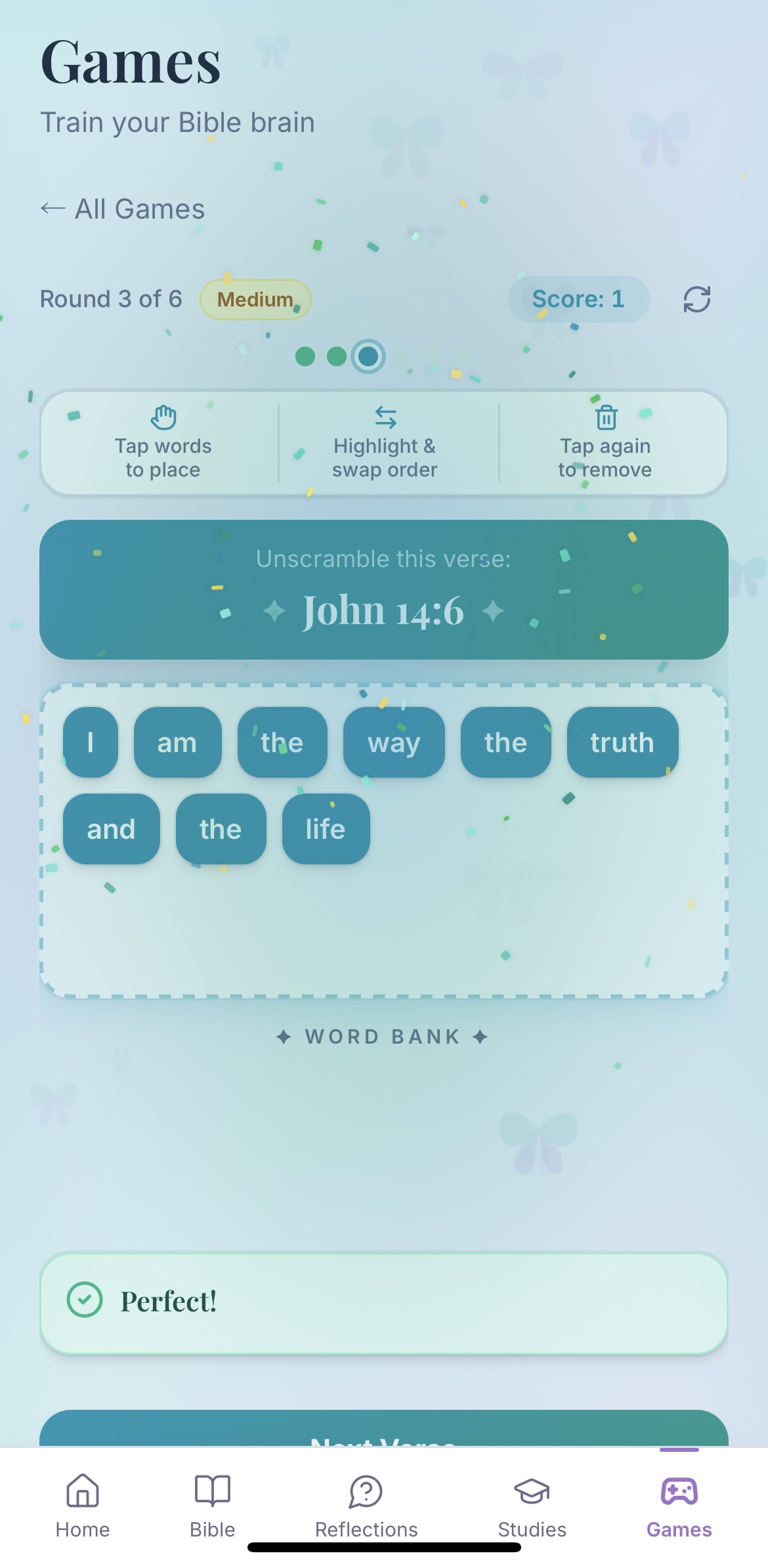
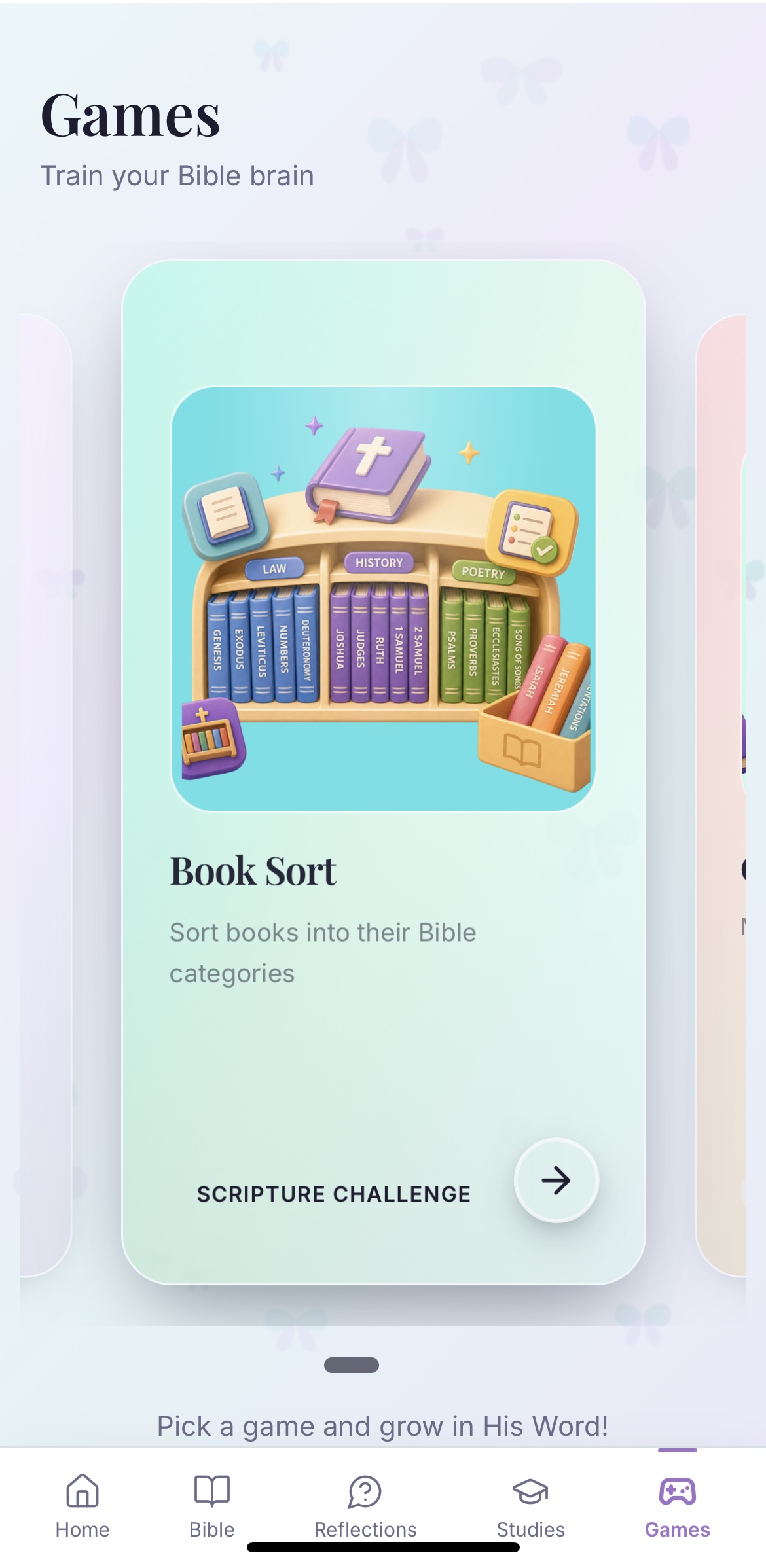
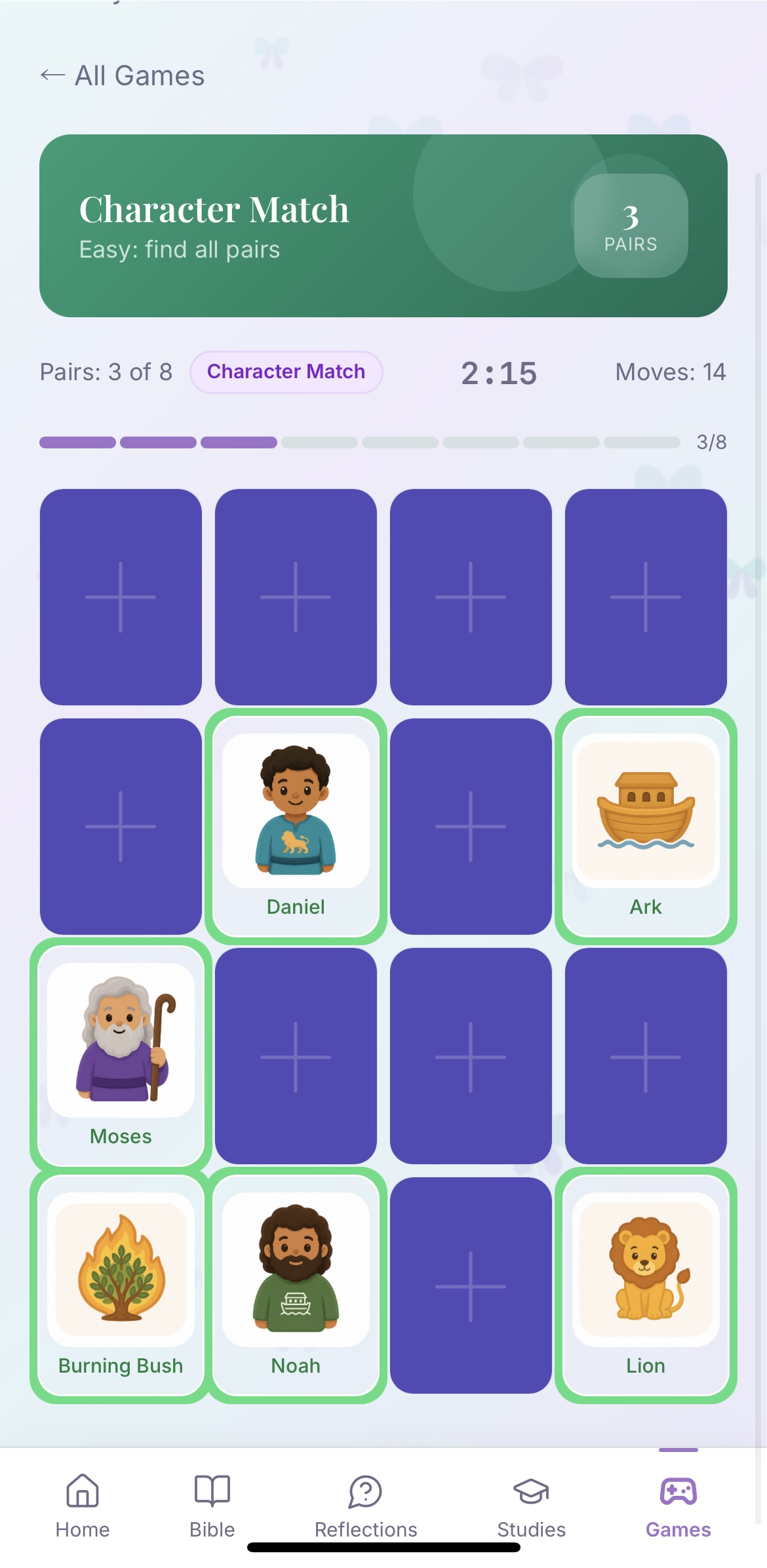
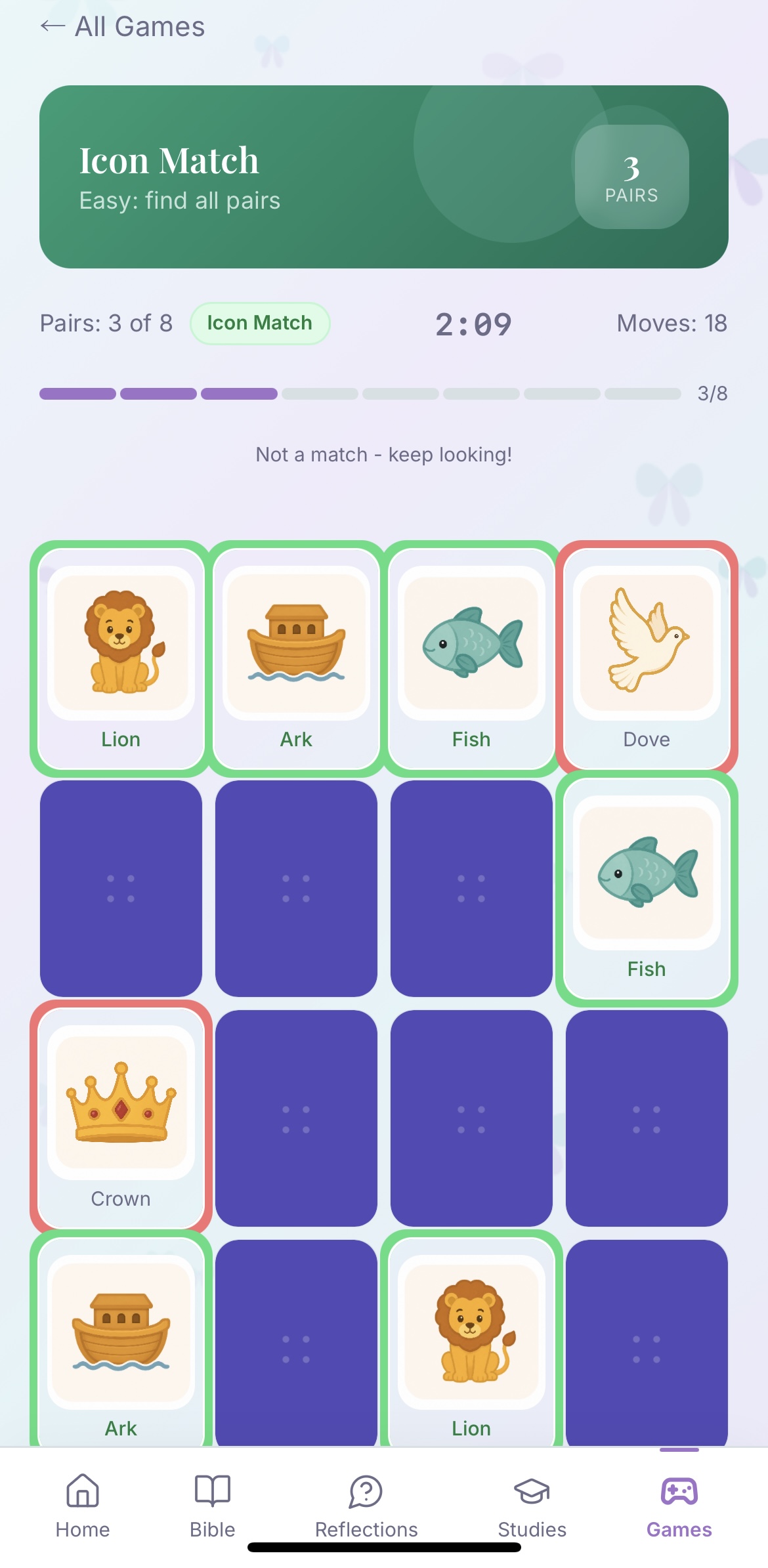
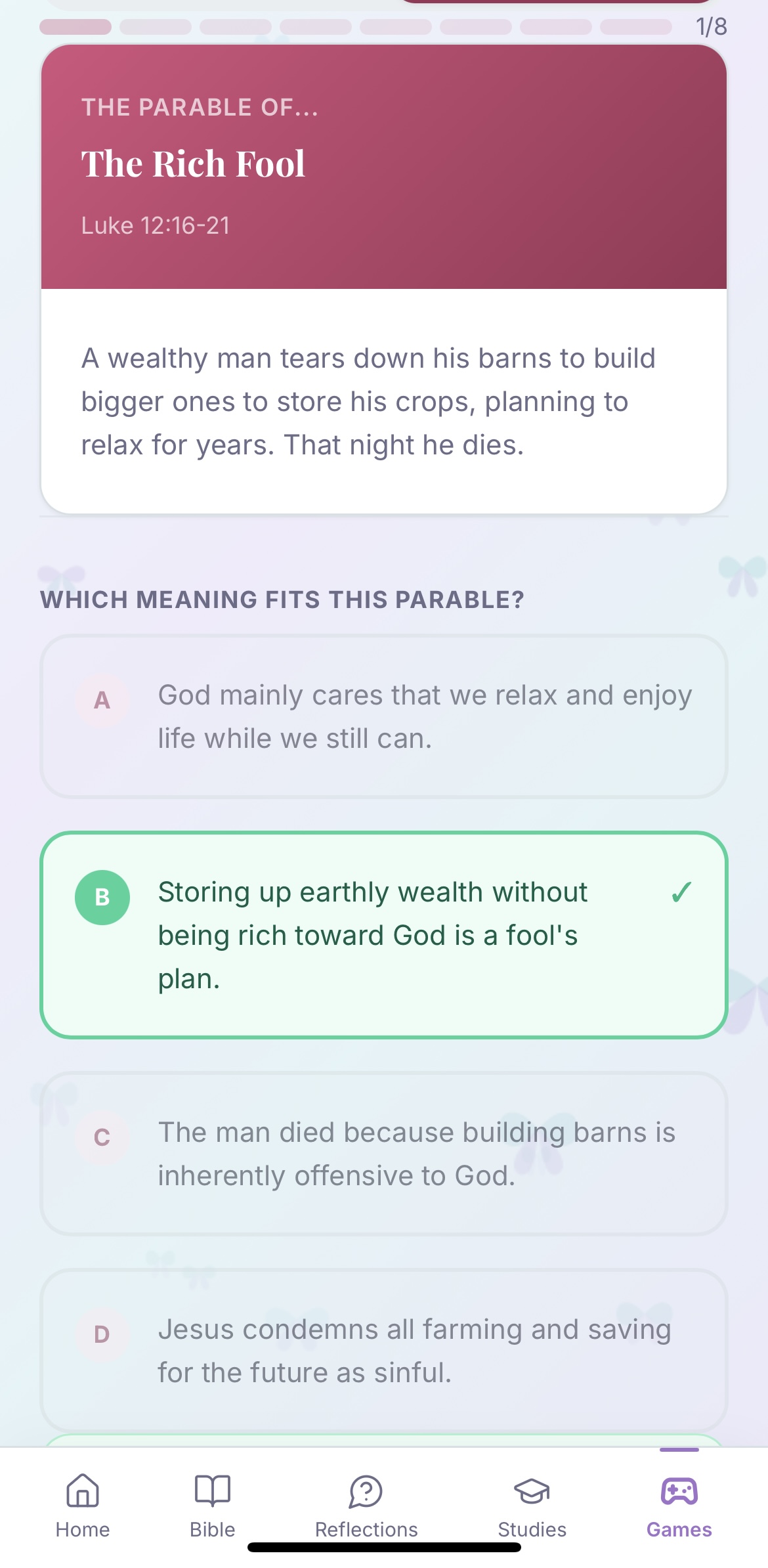
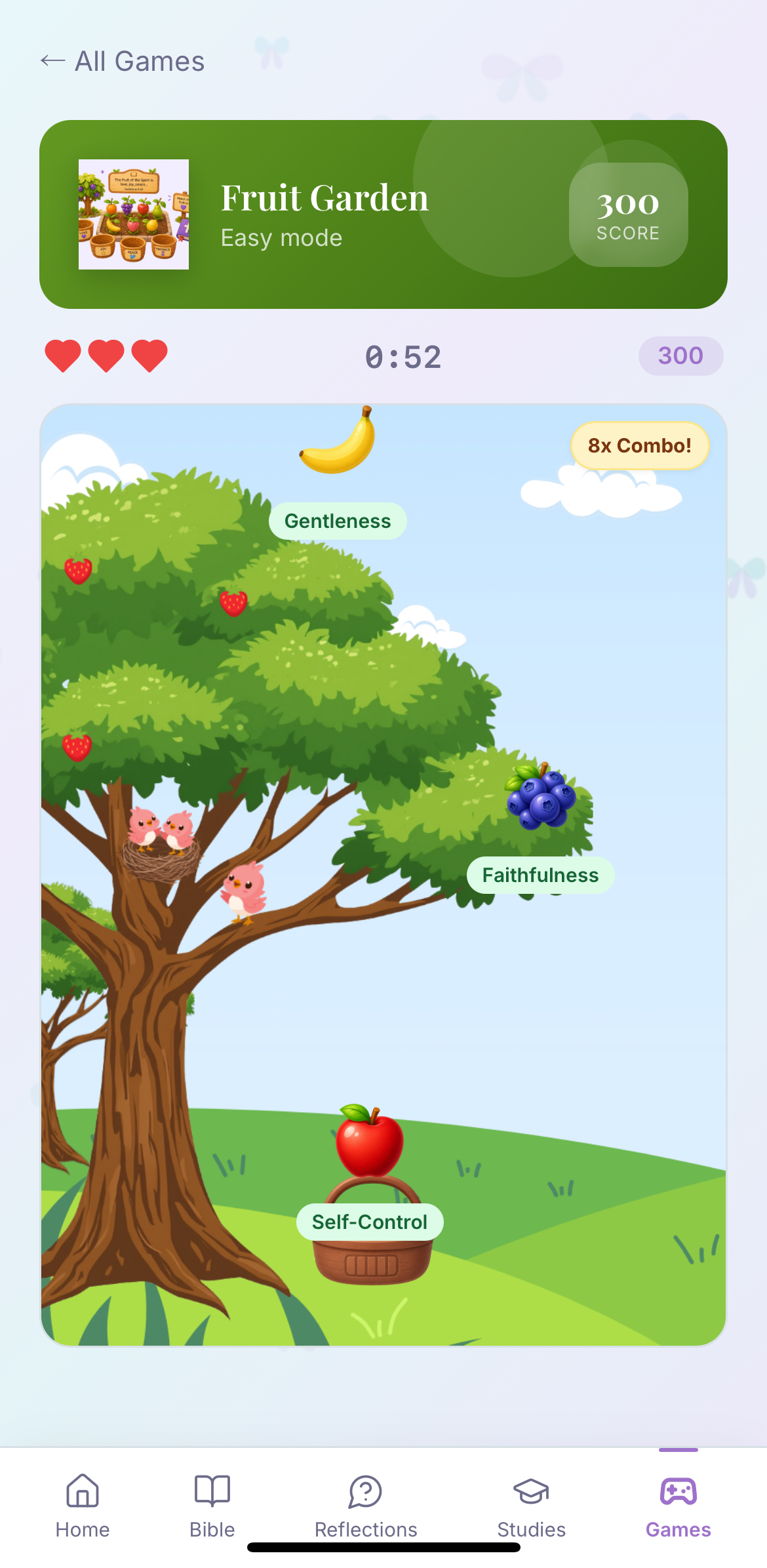
Bible Games
7 games built to make scripture stick, without feeling like homework.
Install
BibleSense opens from your browser, then installs onto your home screen to function as a regular app.
Takes less than a minute!
Progressive web app • No App Store NeededGreat in Safari or Chrome
If you don’t see it, try the other browser (Safari or Chrome).
Great in Chrome
The wording may look slightly different depending on your phone.
Safari, Edge: you’re covered
If no install icon appears, try Chrome, Safari, or Edge.
FAQ
Quick answers to help you get started with confidence.
BibleSense is a Bible app that helps you understand what you’re reading as you go, with instant explanations, guided studies, and real-life scripture guidance.
No. BibleSense is a tool to support your personal reading and understanding. Your church community and spiritual leaders still matter.
You can type what you’re going through, and BibleSense points you to relevant Scripture and guidance rooted in the Bible. It’s designed to help you find direction, not replace wisdom or real conversations.
No. BibleSense works right from your browser. You can add it to your home screen in seconds, no app store needed.
iPhone: Tap Share → Add to Home Screen
Android: Tap menu → Install App
Desktop: Click Install in your browser bar
Yes, an account lets you save your progress, journal entries, and personalized experience across devices.
The free plan includes core features with generous limits. Premium unlocks full access to studies, unlimited guidance, and more.
Yes. Your data is private and never sold. Your reading, journal entries, and activity are stored securely.
Yes. BibleSense is designed with younger users in mind and focuses on safe, supportive, and scripture-based guidance.
BibleSense was created to help younger users engage with Scripture in a way that feels clear, safe, and encouraging.
We focus on understanding, not confusion, and guidance that points back to God’s Word.
God’s Word has answers. BibleSense helps you find them clearly, simply, and in real life.